What is IPTV for Roku?
IPTV (Internet Protocol Television) for Roku means streaming live TV channels, sports, and on-demand content over your internet connection on a Roku device — instead of paying for cable or satellite. With an independent IPTV subscription provider like Zilio, you get more channels at a fraction of the cost.
Roku devices — from the $30 Roku Express to the flagship Roku Ultra — all support IPTV streaming through screen mirroring and compatible M3U playlist applications. The Roku Channel Store also carries third-party IPTV apps that accept M3U URLs directly.
📌 What you need: A Roku device, a Zilio IPTV subscription ($15/mo), and either an Android device for screen mirroring or a compatible app from the Roku Channel Store. Setup takes under 10 minutes.
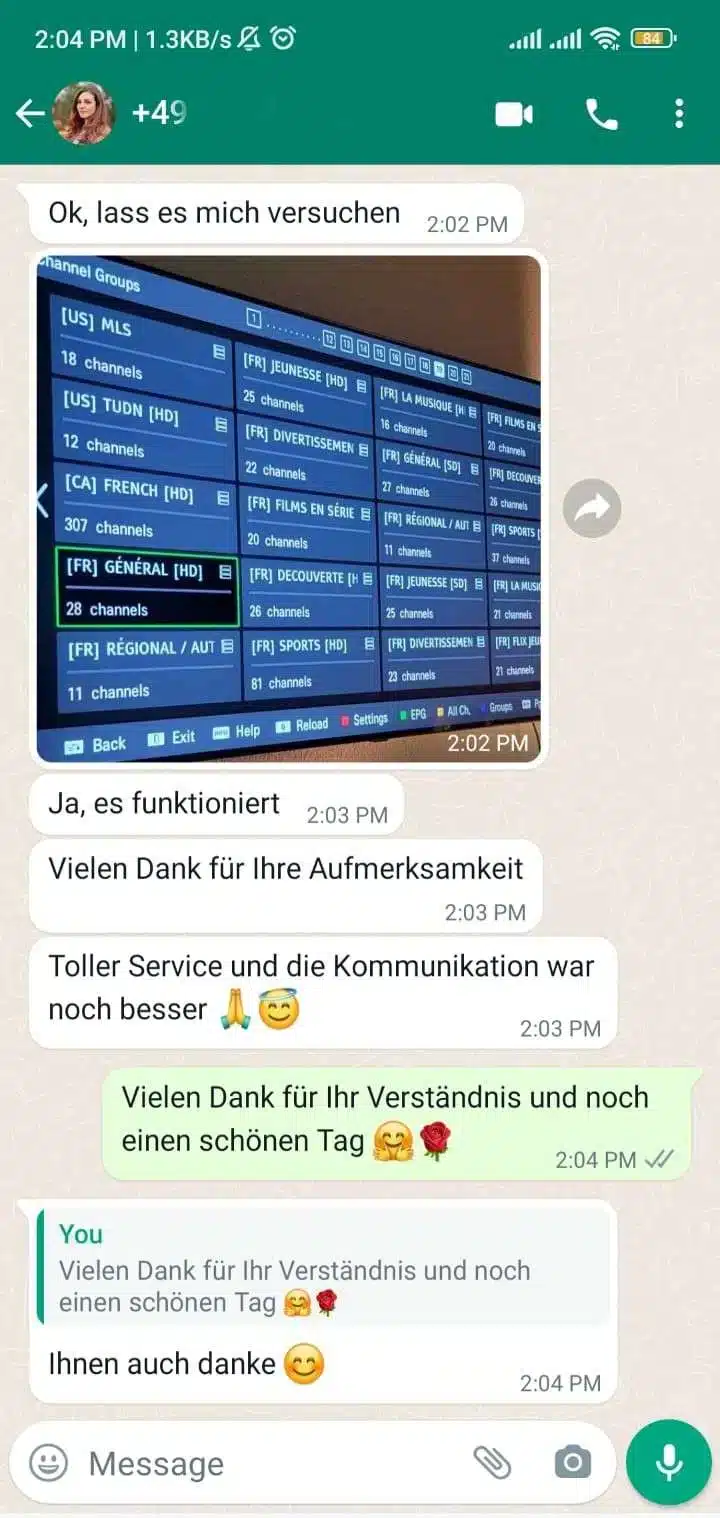
3 Ways to Watch IPTV on Roku
⚠️ Note on Roku's app store: Roku has stricter policies than Android TV — most dedicated IPTV apps (TiviMate, IPTV Smarters) are not available on the Roku Channel Store. Screen mirroring from Android is the most reliable method for full Xtream Codes support.
How to Set Up IPTV on Roku — Step by Step
This guide covers the Android screen mirror method — the most compatible approach for all Roku models and the full Zilio channel list.
Get your Zilio IPTV subscription
Visit Zilio's plan page and choose a subscription. Plans start at $15/month. After payment you receive your M3U URL and Xtream Codes credentials (server, username, password) by email within minutes.
Enable Screen Mirroring on your Roku
On your Roku remote: Home → Settings → System → Screen Mirroring → Enable Screen Mirroring. Set mode to Always allow for the smoothest experience.
Install IPTV Smarters Pro on your Android
Open Google Play Store and install IPTV Smarters Pro. Launch it and tap "Add User". Choose Xtream Codes API and enter your Zilio server URL, username, and password.
Cast your Android screen to Roku
On your Android device: pull down the notification shade and tap Cast / Screen Mirror / Smart View. Select your Roku from the list. Your screen appears on the TV instantly.
Open IPTV Smarters and browse channels
With mirroring active, navigate IPTV Smarters on your phone — the big screen mirrors every tap. Select Live TV → Sports to find NFL, NBA, Premier League, and more. Your Roku remote can control volume.
Optional: Add M3U URL directly on Roku
Search the Roku Channel Store for "m3u playlist" or "IPTV player". If you find a compatible app, enter your Zilio M3U URL directly — no Android device needed. Channels load natively on the Roku interface.
Live Sports & NFL IPTV Channels on Roku
As an independent IPTV subscription provider, Zilio carries the full US sports package. Here's what Roku users can stream:
| Sport | Channels Included | Coverage | Quality |
|---|---|---|---|
| 🏈 NFL Football | NFL RedZone, ESPN, ABC, CBS, NBC, Fox | All regular season + playoffs + Super Bowl | 4K / HD |
| 🏀 NBA Basketball | ESPN, TNT, NBA TV, ABC | Full season + Finals | HD |
| ⚾ MLB Baseball | ESPN, Fox Sports, MLB Network | Regular season + World Series | HD |
| 🏒 NHL Hockey | ESPN+, TNT, NHL Network | Full season + Stanley Cup | HD |
| ⚽ Premier League | Sky Sports, TNT Sports, NBC Sports | All 380 matches | 4K / HD |
| ⚽ La Liga / Bundesliga | beIN Sports, ESPN Deportes, Sky Sport | Full season coverage | HD |
| 🎾 Tennis | Tennis Channel, ESPN, Eurosport | Grand Slams + ATP/WTA | HD |
| 🏎 F1 Racing | ESPN, Sky Sports F1, Canal+ Sport | All Grand Prix races | HD |
| 🥊 Combat Sports | ESPN+, Fox Sports, Sky Sports | UFC, Boxing PPV events | HD |
| 🏌 Golf | Golf Channel, CBS Sports, NBC | PGA Tour, Masters, Ryder Cup | HD |
✅ NFL Tip: For the best NFL experience on Roku, mirror IPTV Smarters from Android during game day. NFL RedZone (commercial-free every touchdown live) and all broadcast networks are included in every Zilio plan — no NFL Sunday Ticket add-on needed.
International IPTV Channels for Roku
Zilio's international package is one of the broadest available from an independent IPTV provider — covering 60+ countries in one subscription. No need for separate add-ons:
Why Zilio as Your Independent IPTV Provider?
Choosing an independent IPTV subscription provider means cutting out the middlemen — cable companies, satellite dishes, and telecom bundles — and paying only for what you watch. Here's why Roku users choose Zilio:
What You Save Switching from Cable to IPTV on Roku
| Service | Monthly Cost | Annual Cost | Channels | Contracts |
|---|---|---|---|---|
| Cable TV (Comcast/Xfinity) | $127/mo | $1,524 | ~200 | Yes, 24 months |
| Satellite (DirecTV) | $84/mo | $1,008 | ~330 | Yes, 24 months |
| Streaming bundles (Netflix+Hulu+ESPN) | $52/mo | $624 | Limited VOD | Month-to-month |
| 🥇 Zilio IPTV (12-Month) | $4.58/mo | $55 | 30,000+ | None |
Start Streaming IPTV on Roku Today
Join 50,000+ cord-cutters who switched to Zilio. NFL, NBA, international channels — all on your Roku from $15/month.
Choose Your Plan →