Zilio IPTV — 20,000+ channels, 4K quality, instant Xtream Codes delivery — works with every app in this guide
What Is an IPTV App (Program)?
An IPTV app — also called an IPTV program or IPTV player — is an application that lets you stream live TV channels and on-demand video using an IPTV subscription. The app itself does not include any channels. It is the player; you supply the content through your subscription credentials.
Apps like TiviMate, IPTV Smarters Pro, and IBO Player connect to your provider's server using either an M3U playlist link or Xtream Codes (a Server URL, Username, and Password). The app then loads your full channel list, VOD library, and EPG guide from that server.
💡 Key distinction: The app handles playback and the interface. The subscription — like Zilio — handles the content. You need both. Choose the right app for your device first, then pair it with a reliable subscription like Zilio.
What the Best IPTV App Must Offer in 2026
Already have an app? You still need a subscription.
Zilio delivers Xtream Codes instantly — compatible with every app in this guide. $55/yr · 20,000+ channels · 4K · 24h free trial.
1. TiviMate — Best IPTV App for Firestick & Android TV
TiviMate is the gold standard for Android TV and Firestick users. Its EPG layout is the closest to a traditional cable TV guide you will find in any IPTV app — full 7-day grid, per-channel program details, and catch-up navigation. The premium tier unlocks recording, multiple playlists, and full EPG for all channels.
On Firestick it requires a one-time sideload via the Downloader app (5 minutes, no technical skills needed). On Android TV boxes and Google TV devices it is available directly on the Play Store. Buffer settings in TiviMate are the most configurable of any app in this list — crucial for getting stable streams.
- Best EPG layout of any IPTV app
- Recording support (premium)
- Advanced buffer configuration
- Multiple playlists in one app
- Excellent 4K & HEVC playback
- Active development — regular updates
- Requires sideload on Firestick
- Not available on iOS or Smart TV
- Free version is limited
✅ With Zilio: Enter your Zilio Xtream Codes in TiviMate → Add Playlist → Xtream Codes API. Your 20,000+ channels, full EPG, and VOD library load in under 60 seconds. See our Firestick setup guide for full steps.
2. IPTV Smarters Pro — Best for Multi-Device & Beginners
IPTV Smarters Pro runs on more platforms than any other app in this list. If you have an Android phone, an iPhone, a Firestick, and a Smart TV — this is the one app that works on all of them with the same login. The interface separates Live TV, Movies, and Series clearly, making it easy for newcomers to navigate.
Setup is the simplest of any app reviewed here: open the app, tap Login with Xtream Codes API, enter your three credentials, and your content loads. No sideloading, no MAC address registration. Just works.
- Works on Android, iOS, Smart TV, and Fire TV
- Simplest setup of any app here
- Free — no premium tier needed
- Clean Live TV / Movies / Series split
- Available directly from app stores
- EPG less configurable than TiviMate
- No recording feature
- Interface less polished on large TVs
3. IBO Player — Best for Smart TV Without Extra Devices
IBO Player is the most practical choice for users with a Samsung or LG Smart TV who do not want to attach a Firestick or Android box. It is installed directly from the TV's app store and activated by registering your MAC address with your IPTV provider's dashboard.
The interface is clean and remote-friendly, loading channels into a straightforward list. While it lacks the advanced EPG and recording features of TiviMate, it delivers reliable, stable playback on Smart TV hardware without the overhead of an external device.
- No external device needed
- Stable, reliable Smart TV playback
- Clean, remote-friendly interface
- Free from Samsung / LG app store
- Requires MAC address activation
- Limited to Smart TV platform
- Less buffer control than TiviMate
- No recording or catch-up support
📺 IBO Player + Zilio tip: After installing IBO Player, note the MAC address on the welcome screen. Log in to your Zilio account, register the MAC address in device settings, and paste your M3U URL. Full setup takes under 5 minutes. See our Samsung/LG setup guide.
4. Smart IPTV — Reliable Choice for Samsung & LG
Smart IPTV (also known as SIPTV) has been available on Samsung and LG Smart TVs since the early days of IPTV streaming, and it remains a dependable choice in 2026. It requires a one-time $5.49 payment to unlock unlimited use after the trial period — small cost for a permanent Smart TV solution.
Configuration is more manual than IBO Player, with options for EPG XMLTV URLs and custom channel sorting. Good for users who want more control over their Smart TV IPTV setup without attaching a streaming stick.
- Long track record of reliability
- Supports custom XMLTV EPG URLs
- One-time payment — no subscription
- Works on older Samsung / LG models
- Older interface design
- Requires one-time purchase
- MAC registration step still needed
5. GSE Smart IPTV — Best iOS Alternative
GSE Smart IPTV is a solid alternative for iOS users when IPTV Smarters Pro is unavailable in their regional App Store. It has been consistently available across regions and supports Xtream Codes, M3U playlists, and local XMLTV files. The interface is functional if not as polished as NextGen IPTV Player.
- Reliable App Store availability
- Supports Xtream Codes + M3U
- Good EPG via XMLTV
- Works on iPhone, iPad, Apple TV
- UI less polished than NextGen
- Some features behind paywall
- No iCloud Sync across devices
6. NextGen IPTV Player — Best for Apple TV & iPhone
NextGen IPTV Player is the most polished IPTV app available on the App Store for Apple devices in 2026. Its Smart Hub v2.0 presents Live TV, Movies, and Series in a single home screen with cover art and metadata — the closest to a native streaming service interface. iCloud Sync (rolling out in v2.0) syncs your setup across all Apple devices automatically.
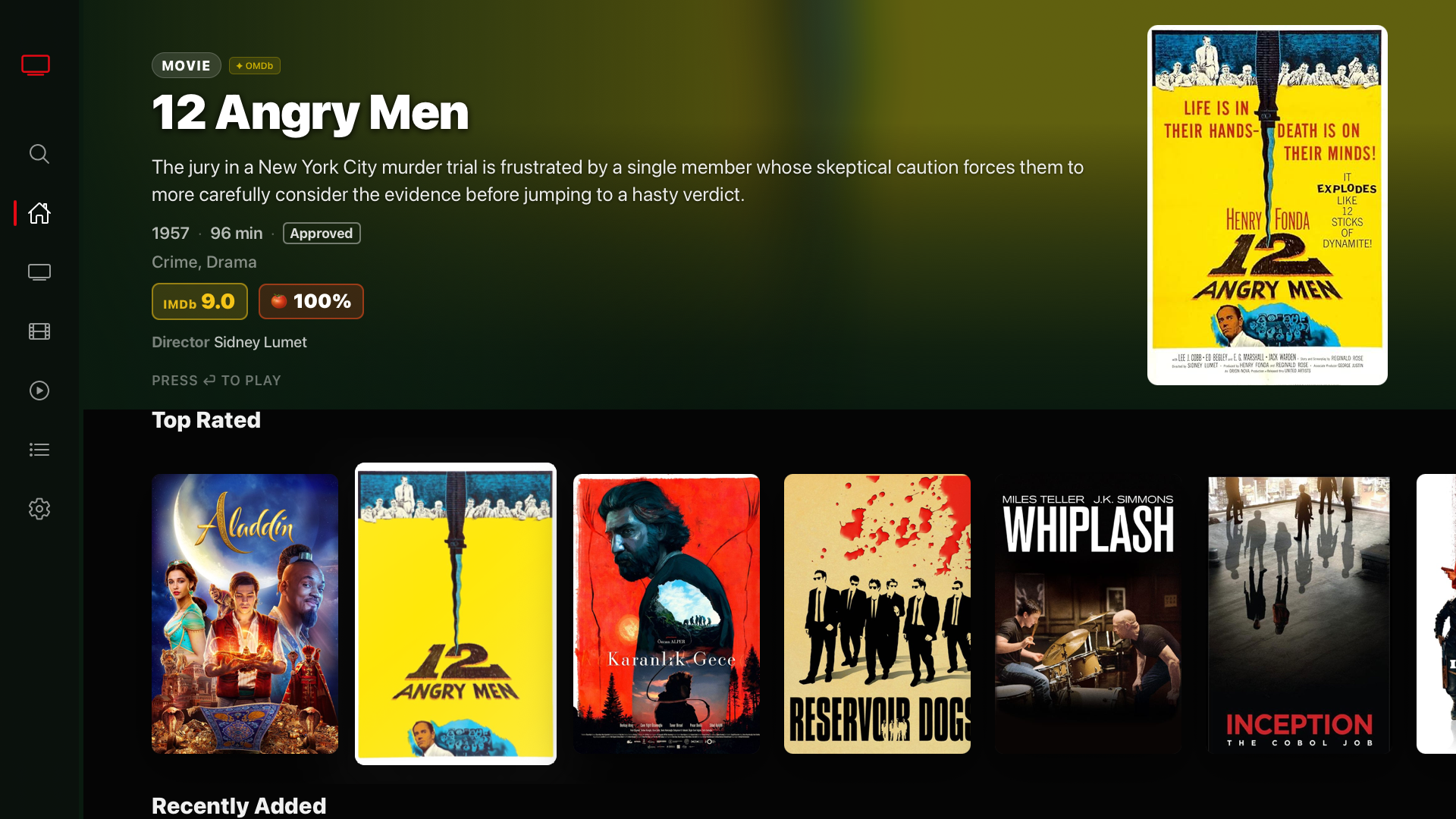
NextGen IPTV Player — VOD library powered by a Zilio subscription. Cover art, ratings, and Recently Added — all loaded from Xtream Codes.
- Best Apple TV IPTV app in 2026
- Native tvOS — not a stretched phone app
- iCloud Sync across all Apple devices
- Premium Smart Hub interface
- Ultra-fast database in v2.0
- Apple-only — no Android or Smart TV
- iCloud Sync still rolling out (iOS ~70%)
✅ Zilio + NextGen tip: Add your Zilio Xtream Codes once on iPhone and iCloud Sync carries it to Apple TV automatically. See our full Zilio + NextGen IPTV Player setup page.
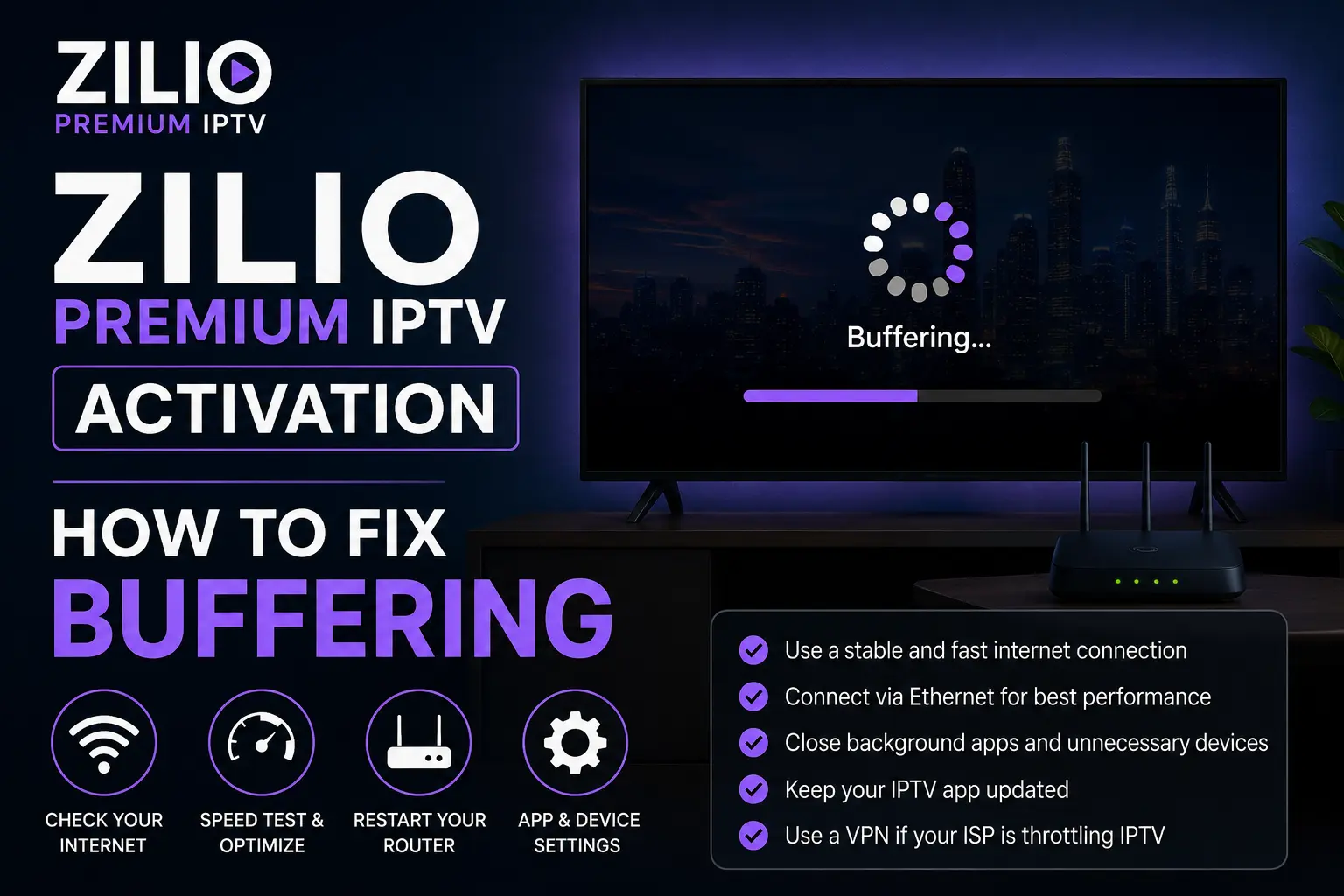
No buffer issues with Zilio — fast internet + Zilio's Cloudflare CDN infrastructure means smooth 4K on any app, any device
Side-by-Side Comparison: Top IPTV Apps 2026
| App | Best For | Platforms | EPG | Recording | Price | Setup |
|---|---|---|---|---|---|---|
| 🔥 TiviMate | Firestick / Android TV | Android TV | Excellent | ✓ Yes | Free / $4.99/yr | Sideload required |
| 📱 IPTV Smarters Pro | Multi-device · Beginners | Android · iOS · Smart TV · Fire | Good | ✗ No | Free | Easiest |
| 🖥️ IBO Player | Smart TV (no extra device) | Samsung · LG | Basic | ✗ No | Free | MAC activation |
| 📡 Smart IPTV | Smart TV (veteran users) | Samsung · LG | XMLTV | ✗ No | Free / $5.49 unlock | MAC activation |
| 🍎 GSE Smart IPTV | iOS alternative | iPhone · iPad · Apple TV | Good | ✗ No | Free (in-app) | Easy |
| 📺 NextGen IPTV | Apple TV · iPhone | iPhone · iPad · Apple TV | Full + iCloud | ✗ No | Free (in-app) | Easy |
Final Verdict: Best IPTV App by Device
There is no single best IPTV app for everyone — the right choice depends entirely on your device. Here is our 2026 recommendation for each platform:
The App is Ready. Now Get the Subscription.
Every app in this guide works with Zilio's Xtream Codes. Pick your plan, receive credentials by email in minutes, and start streaming 20,000+ channels in 4K.
Works with TiviMate · IPTV Smarters Pro · IBO Player · Smart IPTV · GSE · NextGen IPTV Player · VLC · Kodi