Home Player Activations Smart One IPTV — Samsung TV
📺 Samsung Smart TV · Tizen OS · 2026

Best IPTV App for Samsung Smart TV

Smart One IPTV Player — 12 Months + 20,000+ Channels · $69
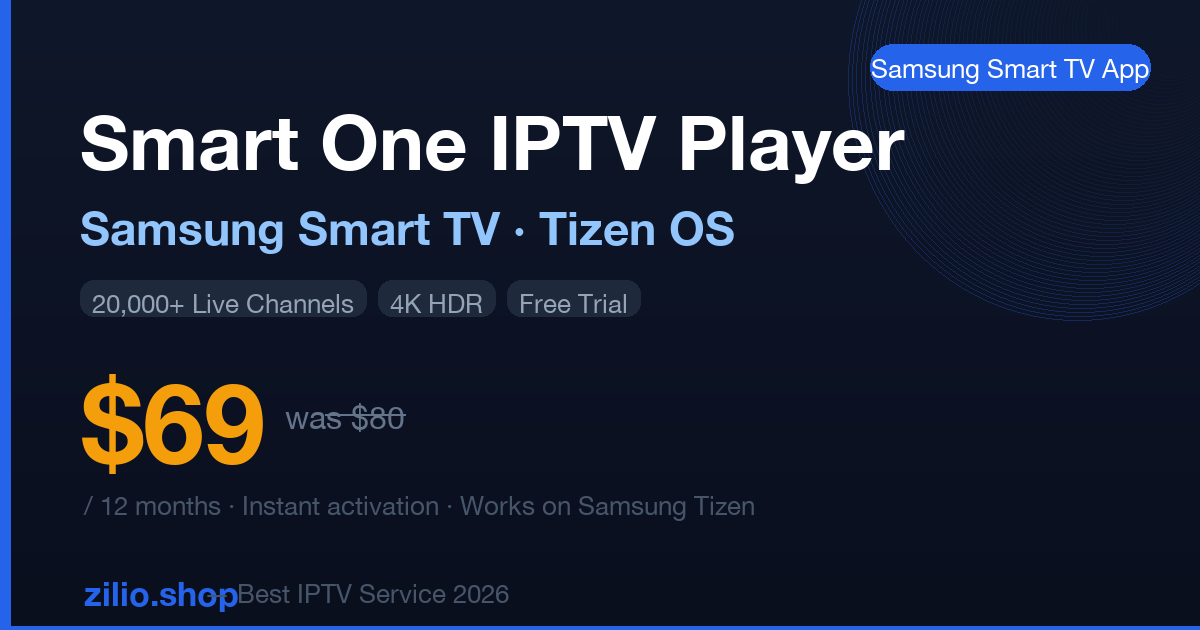
Smart One IPTV Player — Samsung Smart TV 12 Months Activation $69 🏆 Best IPTV App Samsung TV 2026
★★★★★
4.8 / 5 (74 reviews)

Smart One IPTV Player

12-Month Activation · Samsung Smart TV (Tizen OS) · Instant Delivery

$69 $80 Save $11
= $5.75/month · 12 months
20,000+ Live Channels
Sports · Arabic · UK · US · International
60,000+ Movies & Series
Hollywood · Bollywood · Turkish · Arabic
4K HDR Quality
Streams directly to your Samsung 4K/OLED TV
Native Samsung App
No Fire Stick, no box — TV remote controls everything
EPG / TV Guide Built-in
7-day programme guide for all channels
Instant Delivery
Credentials by email · Active within minutes
Channels Included on Your Samsung TV
Sky Sports 1–9 beIN Sports 1–7 Premier League Bundesliga NFL · ESPN NBA TV NHL Network MBC 1 – MAX Rotana Al Jazeera Geo TV ARY Digital BBC One ITV Channel 4 TSN 1–5 Sportsnet ARD · ZDF RTL Sky F1 UFC PPV 60K+ VOD

✓ Instant email delivery · ✓ All Samsung Smart TV models 2018+ · ✓ No hardware needed · ✓ Cancel anytime

How to Install Smart One IPTV on Samsung Smart TV

Works on all Samsung Smart TV models with Tizen OS 4.0+ (2018 and newer). Uses your TV remote — no extra hardware required.

1
Purchase Smart One IPTV 12-Month Activation

Order above ($69) or request a free trial via WhatsApp. You'll receive an email with your Xtream Codes credentials — server URL, username, and password — within minutes.

2
Open Samsung App Store on Your TV

Press the Home button on your Samsung remote → navigate to Apps → open the search bar (magnifying glass icon) → type "Smart One IPTV".

3
Install Smart One IPTV Player

Select Smart One IPTV Player from search results → press Install. The app is free to install — your Zilio activation code unlocks the full channel library.

4
Add Your Zilio Subscription

Open Smart One → select Add Server → choose Xtream Codes API → enter the server URL, username and password from your Zilio email. Tap Add User.

5
Start Watching — 20,000+ Channels Load Automatically

Your full channel list appears in under 60 seconds. Browse Live TV by category, open the VOD library, or use the EPG guide to see what's on. Control everything with your Samsung remote.

Compatible Samsung Smart TV Models

QLED — Q60, Q70, Q80, Q90, Q950 (2019–2026)
Neo QLED — QN85, QN90, QN95, QN990 series
Crystal UHD — AU7, BU8, CU8, DU8 series
The Frame — LS03 series (2019–2026)
OLED — S90C, S95C, S95D, S90D
Serif, Sero, Terrace (outdoor) series
Smart Monitor M7, M8, M9 (Smart TV mode)
Pre-2018 Samsung TVs (older Tizen versions)

To verify your model: Samsung TV Menu → Support → About This TV → check Tizen OS version. Requires Tizen 4.0 or higher.

All IPTV Players — Activation Store

Every activation includes 20,000+ channels, 60,000+ VOD, 4K HDR. All priced at $69 for 12 months. New apps added regularly.

Live Now
📱
IPTV Smarters Pro
iOS · Android · LG WebOS · Fire TV

Most popular IPTV app in the Middle East and Europe. Available on Apple App Store, Google Play, LG Content Store. Full VOD and EPG.

$69 / 12 months
Buy Now — $69 →
Live Now
▶️
IBO Player
Android TV · iOS · Mag · Formuler

Clean interface, fast EPG, low RAM usage. Ideal for Android TV boxes and Formuler devices. Stable on beIN Sports and HD sports streams.

$69 / 12 months
Buy Now — $69 →
Coming Soon
📡
Net IPTV
Samsung Smart TV · LG WebOS

Lightweight, fast Samsung Smart TV app. Simple M3U playlist interface. Very popular in Europe for Samsung Tizen users. Activations coming soon.

$69 / 12 months (soon)
Notify Me →
Coming Soon
🎯
OttPlayer
Smart TV · iOS · Android · Mac

Multi-platform player supporting Samsung Smart TV, LG, iOS, Android and Mac. Supports M3U and Xtream Codes. Clean playlist management. Activations coming soon.

$69 / 12 months (soon)
Notify Me →
Coming Soon
🎬
BOB Player
UK · USA · Android · Smart TV

UK and USA focused player with clean EPG. Very popular for Sky Sports and Premier League on Android and Smart TV. Activations coming soon.

$69 / 12 months (soon)
Notify Me →

Why Use a Native Samsung App Instead of a Fire Stick?

✅ Native Samsung App (Smart One)

  • No extra device plugged into HDMI
  • One remote controls everything
  • TV starts IPTV on boot if set as default
  • Draws no extra power
  • Uses Samsung TV's built-in WiFi chipset
  • 4K output direct — no upscaling chain

⚠️ Fire Stick / External Stick

  • Occupies HDMI port permanently
  • Requires separate remote or app
  • Additional USB power cable needed
  • Amazon ads and Fire OS interface
  • ~ TiviMate works well but needs sideloading
  • ~ Extra cost ($50–60 for hardware)

Customer Reviews

★★★★★

"Smart One works perfectly on my Samsung QLED 65". Set up in 5 minutes using Xtream Codes. beIN Sports, MBC, Premier League — all load instantly. Best $69 I've ever spent on TV."

Omar H. — Riyadh, Saudi Arabia

★★★★★

"Finally an IPTV app native to Samsung TV without needing a Fire Stick. Downloaded Smart One from the Samsung App Store, entered the credentials from Zilio, and in 2 minutes I had 20,000 channels. 4K on my OLED looks incredible."

Sarah T. — London, UK

★★★★★

"I've tried 4 different IPTV providers for my Samsung Frame TV. Zilio + Smart One is the only combo that's been stable for sports. Champions League, Bundesliga, no buffering in 4 months."

Klaus W. — Berlin, Germany

★★★★★

"Geo TV, ARY, HUM TV on my Samsung Crystal UHD without a box or stick. Smart One + Zilio is exactly what I needed. EPG works and shows Pakistani channel schedules. Very happy."

Imran S. — Toronto, Canada

Frequently Asked Questions

What is the best IPTV app for Samsung Smart TV in 2026?
Smart One IPTV Player is the best IPTV app for Samsung Smart TV in 2026. It is available from the Samsung App Store, installs in under a minute, and supports Xtream Codes and M3U playlists. Combined with a Zilio IPTV activation ($69/12 months), you get 20,000+ channels and 60,000+ VOD titles in 4K HDR directly on your Samsung TV using the standard remote.
How do I install Smart One IPTV on my Samsung Smart TV?
Press Home on your Samsung remote → open Apps → search "Smart One IPTV Player" → Install (free). Then open the app → Add Server → Xtream Codes API → enter the server URL, username and password from your Zilio email. Channels load within 60 seconds. Works on all Samsung Tizen 4.0+ models (2018 and newer).
Does IPTV work on Samsung Smart TV without a Fire Stick or Android box?
Yes. Samsung Smart TVs run Tizen OS with their own app store. Smart One IPTV Player is a native Tizen app — no Fire Stick, no Android TV box, no Chromecast required. Your Samsung TV handles streaming directly using its built-in WiFi or Ethernet connection. One TV, one remote, 20,000+ channels.
Which Samsung TV models are compatible with Smart One IPTV?
All Samsung Smart TVs with Tizen OS 4.0 or higher — this covers all models from 2018 onwards: QLED (Q60–Q950), Neo QLED, Crystal UHD (AU7, BU8, CU8, DU8), The Frame (LS03), OLED (S90C, S95C), Smart Monitor M-series, and Serif/Sero series. To verify: Menu → Support → About This TV. Tizen 4.0 minimum required.
What channels are included in the Smart One activation?
The $69/12-month activation includes the full Zilio IPTV library: Sky Sports (all 10 channels), beIN Sports 1–7, Premier League, Bundesliga, NFL on ESPN/Fox/NBC, NBA, NHL on TSN/Sportsnet, MBC 1 through MBC Bollywood, Rotana, Al Jazeera, BBC, ITV, Channel 4, Geo TV, ARY, HUM TV, ARD, ZDF, RTL and 50+ country lineups — totalling 20,000+ live channels and 60,000+ VOD titles.
What is Net IPTV for Samsung TV and when will it be available?
Net IPTV is a lightweight M3U player for Samsung Smart TV (Tizen OS) that displays channels in a simple scrollable list interface. It is already available in the Samsung App Store as a free player. Zilio's Net IPTV activation (pairing Net IPTV with a 12-month Zilio subscription for $69) is coming soon. Message us on WhatsApp to be notified when it launches.

Related Products & Guides

Share with Samsung TV users: